The SharePoint Employee Directory
your intranet was missing

Easily find your colleagues, their roles, teams, and contact details directly from SharePoint. Maecia provides an open-source SharePoint employee directory Web Part connected to your organisation’s Microsoft 365 profiles.

Disponible sur Microsoft Marketplace

Installez gratuitement l’annuaire depuis Microsoft Marketplace 🎁

A modern SharePoint employee directory

Smart search 🕵️‍♀️

Search by name, role, or profile information to quickly find the right person.

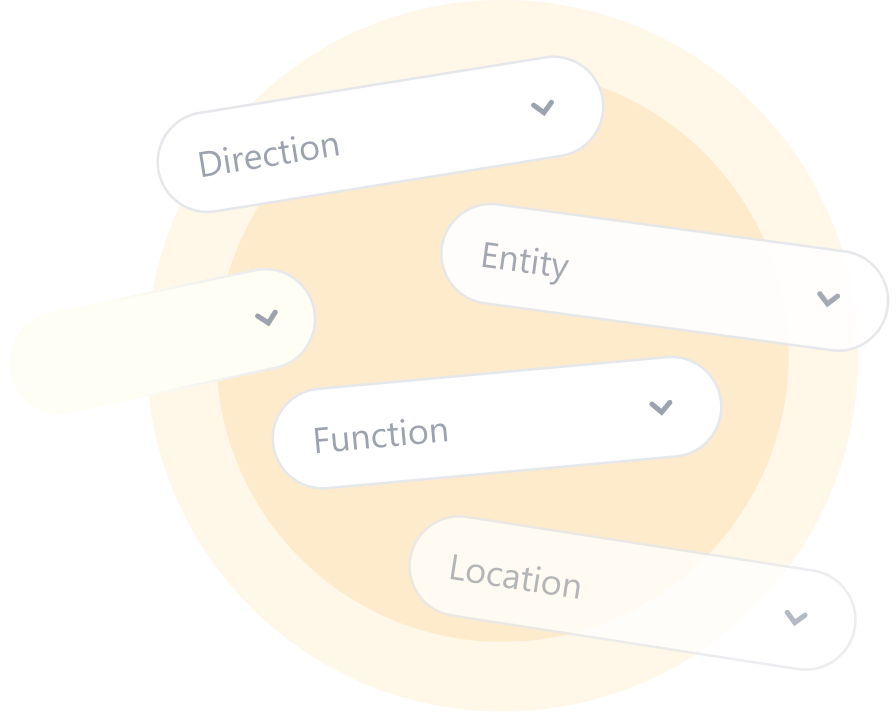
Customisable filters ⚙️

Refine results by department, job title, location, or other Microsoft 365 profile data.

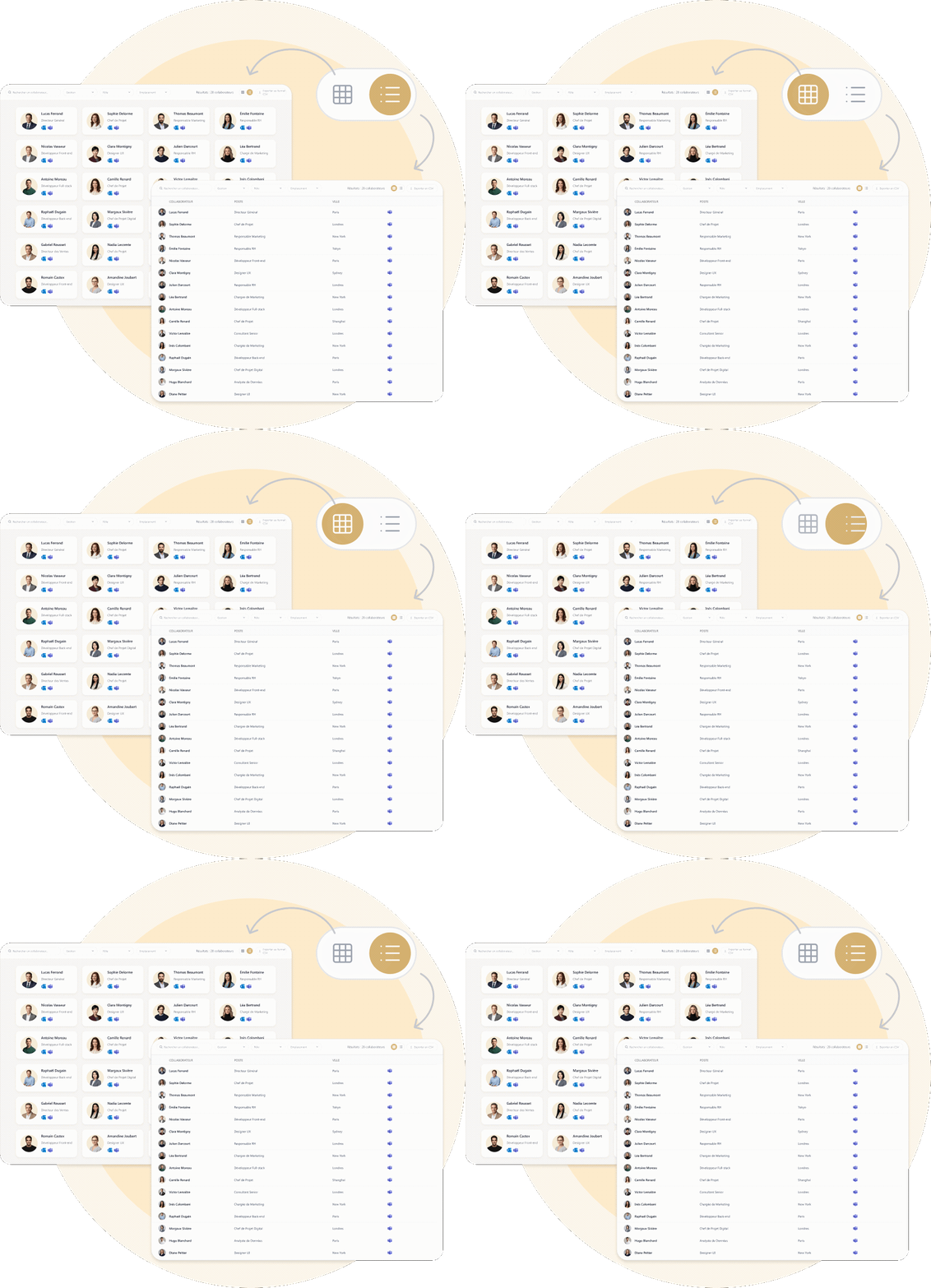
Two complementary views 🪧

Browse employees in a visual directory or list view, depending on your needs.

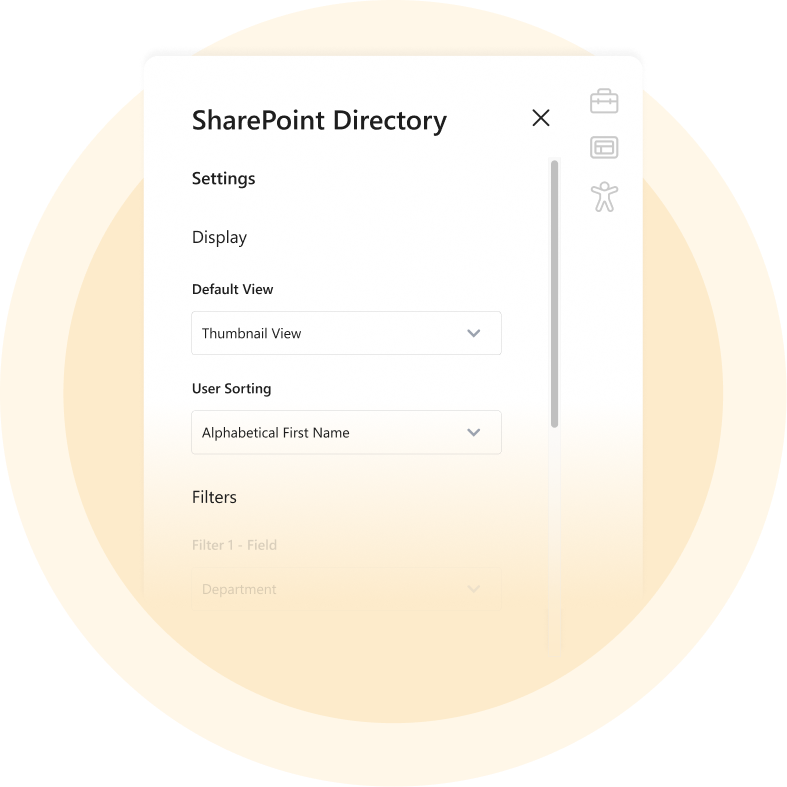
A fully configurable directory ⚙️

Choose which fields are displayed, their order, and the information shown in each view.

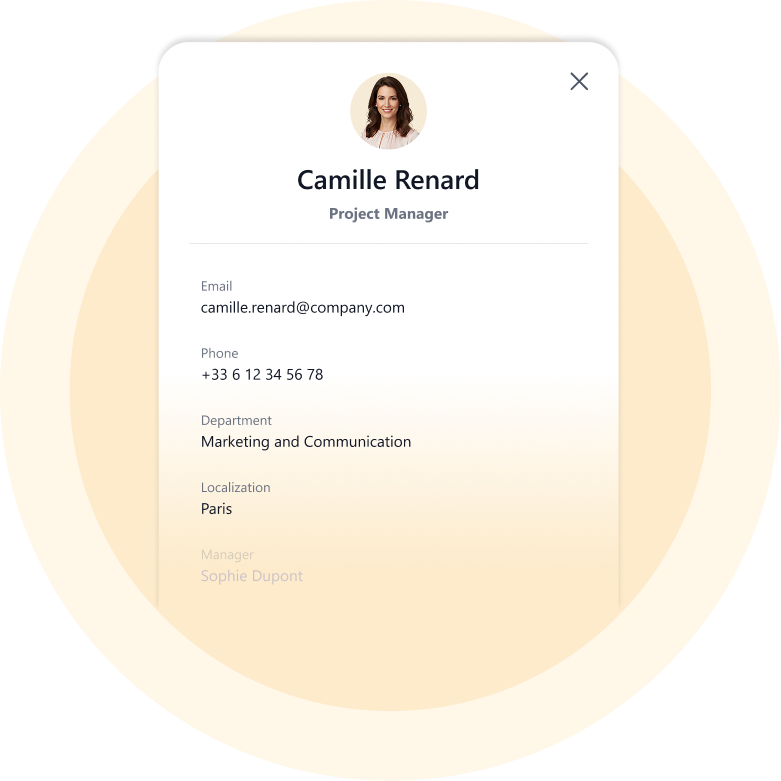
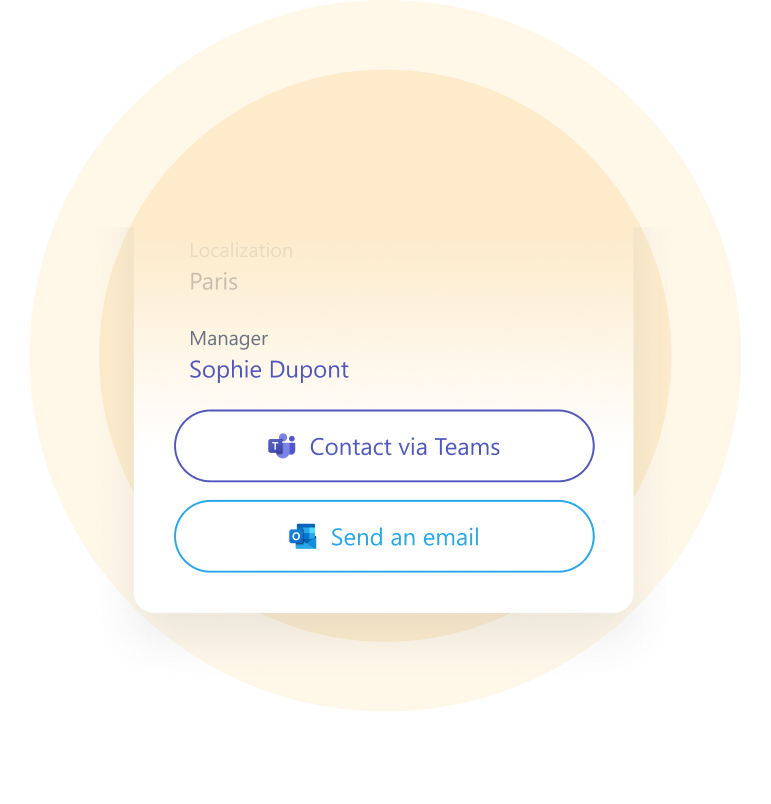
A complete employee profile 🪪

Find contact details, job title, manager, and other useful information in one place.

Direct contact via Teams and Outlook ✉️

Go from search to contact without leaving the directory.

Explore all the features

Discover all the directory features, read the documentation, and access the source code on GitHub.

Your data is already in Microsoft 365

The Web Part uses your organisation’s profiles available in Microsoft Entra ID (formerly Azure Active Directory) and retrieves them through Microsoft Graph.

Name, photo, job title, department, location, manager, or contact details: your SharePoint employee directory uses the information you already manage in Microsoft 365, without requiring a separate employee database.

An open, connected directory ready to integrate with your SharePoint environment

    Open source

    Integrated with Microsoft 365

    Easy to deploy

    Easy to customise

Comment installer l’annuaire SharePoint ?

Installez l’annuaire depuis Microsoft Marketplace en quelques étapes :

1

Trouvez l’application

Recherchez Modern Directory sur Microsoft Marketplace.

2

Validez les accès

Approuvez les autorisations nécessaires si besoin.

3

Ajoutez la Web Part

Insérez l’annuaire sur une page SharePoint.

4

Personnalisez

Choisissez les champs, filtres et vues.

⭐ ⭐ ⭐ ⭐ ⭐ 4.9 out of 5 on Google Reviews

Bring your SharePoint intranet to life!

Maecia’s SharePoint agency helps you design an intranet that reflects your brand identity and meets your organisation’s needs.

Frequently asked questions about SharePoint Web Parts

Answers to the most common questions about SharePoint Web Parts and employee directories.

A SharePoint Web Part is a component that can be added to a SharePoint page to display content, data, or functionality. With SharePoint Framework (SPFx), custom Web Parts can be developed and integrated directly into a Microsoft 365 intranet.